John Deere Service Advisor AG-CF 5.4.44 2025 Nexiq USB Link 3 Compatible Benefits
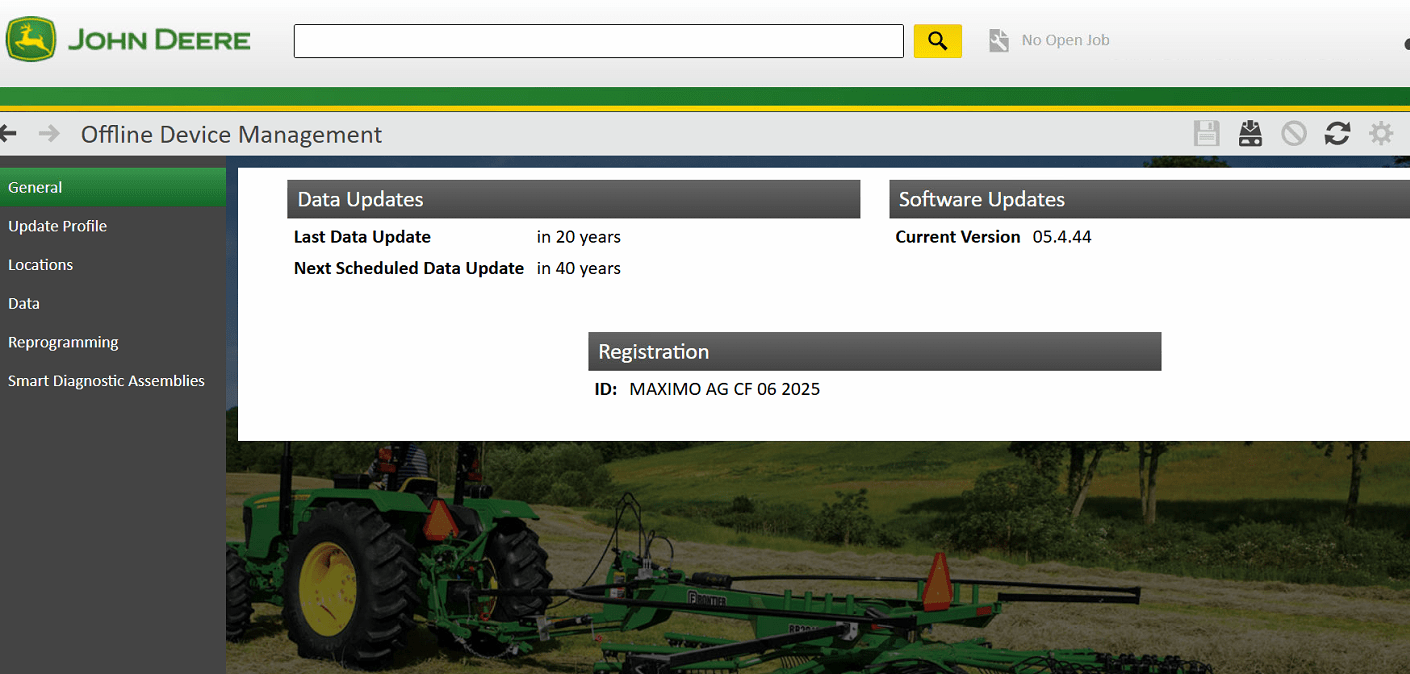
John Deere Service Advisor AG-CF 5.4.44, updated in June 2025, is an essential diagnostic tool for John Deere equipment. It is compatible with the Nexiq USB Link 3, enhancing connectivity and functionality. This software provides advanced diagnostic capabilities, supported by a comprehensive database for repairs. Users can interact with the software easily, benefiting from features like offline access and integration with technical support resources.
Service Advisor Software Overview
The Service Advisor software is a vital tool designed specifically for diagnostics and maintenance of John Deere equipment. Its latest version, 5.4.44, offers enhanced functionalities aimed at improving technician efficiency and ensuring reliable machinery performance.
Key Features of Version 5.4.44
This version introduces several key features, which are essential for effective diagnostics and repairs:
- Extensive Diagnostic Capabilities: Advanced diagnostic functions assist technicians in quickly identifying issues and implementing solutions.
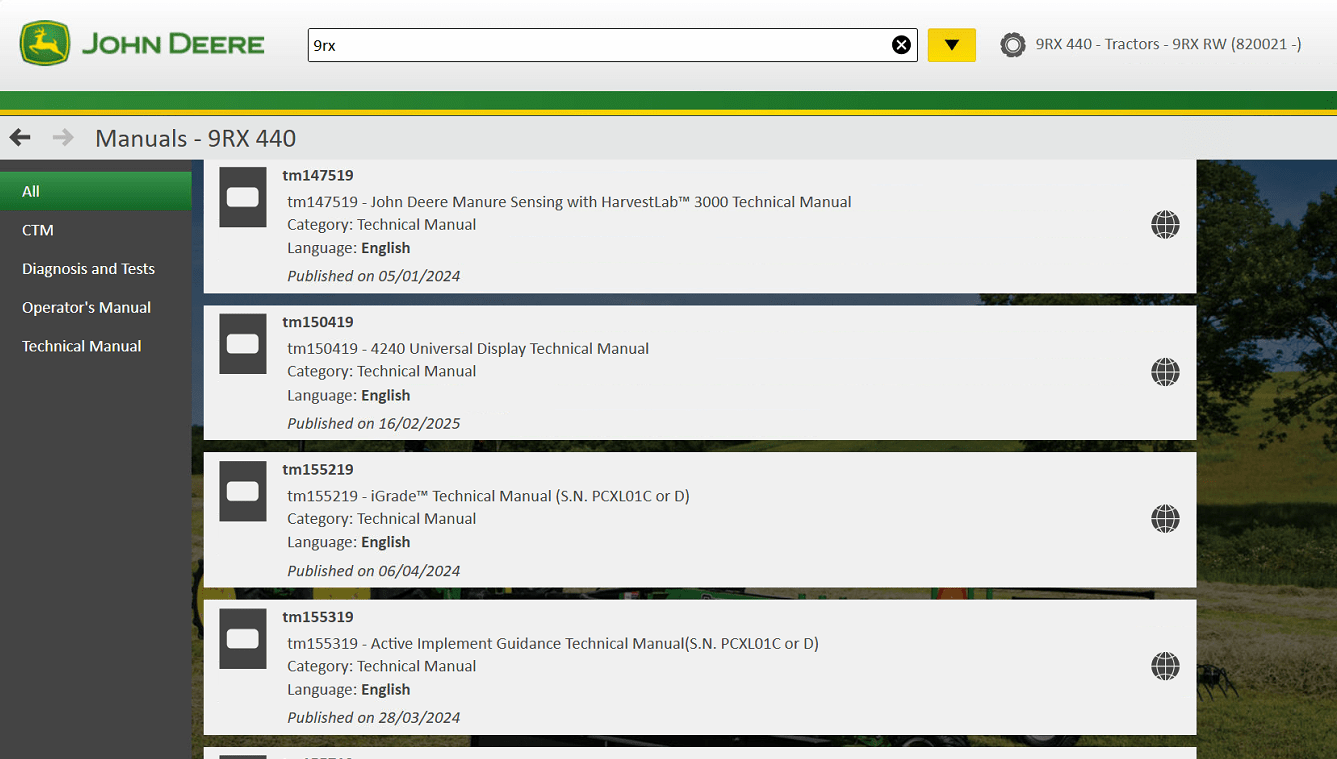
- Comprehensive Manual Access: Users benefit from detailed technical manuals and repair guides integrated within the software.
- Offline Functionality: Technicians can access critical information even without an internet connection, which is vital in remote work settings.
- Dealer Integration: Seamless connection with the Dealer Technical Assistance Center allows users to receive timely support and guidance.
Supported John Deere Equipment and Models
The software supports a wide array of John Deere equipment, ensuring versatility for various models and applications. This includes:
- Tractors
- Harvesters
- Excavators
- Loaders
This extensive compatibility ensures that technicians can effectively service both modern and older equipment in the field, helping to enhance the longevity of machinery.
User-Friendly Interface and Navigation
The user interface has been carefully designed to facilitate ease of use. Key aspects include:
- Intuitive Navigation: The layout allows for quick access to various tools and data, minimizing downtime during diagnostics.
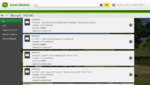
- Search Functionality: A powerful search tool enables fast retrieval of information, allowing users to find specific repairs or manuals with minimal effort.
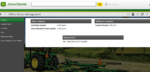
- Visual Aids: Diagrams and visuals help in understanding complex systems and troubleshooting procedures.
This user-centric approach ensures that technicians, regardless of their experience level, can efficiently navigate the software and perform necessary tasks.
Compatibility with Nexiq USB Link 3
The integration of Nexiq USB Link 3 enhances the diagnostic capabilities of John Deere Service Advisor AG CF 5.4.44. This compatibility ensures seamless communication between diagnostic software and various John Deere machinery.
Wireless Machine Interface Capabilities
Nexiq USB Link 3 offers advanced wireless connectivity options, allowing for efficient diagnostics without the constraints of physical cables. This flexibility is essential for technicians who need to work in diverse environments.
USB, Bluetooth, and Wi-Fi Connection Options
The device supports multiple connection methods, including:
- USB Connections: Reliable and direct access to equipment interfaces.
- Bluetooth: Offers a stable wireless connection with a range of up to several hundred feet.
- Wi-Fi: Enables remote diagnostics and control, advantageous for larger job sites where mobility is crucial.
Regions and Equipment Supported by Nexiq USB Link 3
Nexiq USB Link 3 is approved for use across various geographical regions, ensuring it meets the demands of a global user base. It supports an extensive array of John Deere models, making it a valuable asset for technicians everywhere.
New Adapters Support and Updates
The ongoing support for new adapters guarantees that Nexiq USB Link 3 remains a relevant tool as technology evolves. Regular updates ensure compatibility with the latest machinery and software versions, providing confidence to users that their diagnostic capabilities will stay current.
Advanced Diagnostics and Repair Tools
Enhanced diagnostics and repair capabilities are essential for effective machinery maintenance. This section highlights the tools and resources available to streamline the repair process and support technical efforts.
Comprehensive Database for Diagnostics and Repair
The diagnostic suite features a vast database that includes detailed information on numerous equipment models. This extensive database ensures that technicians can easily access historical data, troubleshooting steps, and effective solutions for various mechanical issues. Technicians can reference past repairs and user-shared experiences to identify problems rapidly and efficiently.
Access to Technical Manuals and Repair Guides
Users of the diagnostic software benefit from direct access to a collection of comprehensive technical manuals and repair guides. These resources are meticulously organized and cover a wide variety of topics, such as:
- Step-by-step repair instructions
- Wiring diagrams and schematics
- Maintenance schedules for effective upkeep
By utilizing these guides, technicians can enhance their understanding of specific models, leading to improved repair outcomes and reduced downtime.
Offline Capability for Diagnostics and Support
In many scenarios, reliable internet access isn’t available on job sites. The advanced diagnostics tools offer offline capabilities, allowing technicians to work without the need for an active internet connection. This feature ensures that critical information remains accessible, enabling technicians to perform diagnostics and repairs even in remote locations.
Dealer Technical Assistance Center Integration
The integration of the Dealer Technical Assistance Center (DTAC) within the diagnostic framework offers substantial advantages. This system provides technicians with insights and data collected from field operations, enhancing the troubleshooting process by allowing technicians to:
- Consult solutions derived from previous cases
- Receive updates on newly identified issues and resolutions
- Leverage expert recommendations for complex problems
Utilizing the DTAC integration ensures that repairs are completed accurately and promptly, further optimizing equipment performance.
Installation and Setup
Setting up the Service Advisor software and supporting devices is crucial for efficient diagnostics and repair processes. Proper installation ensures seamless integration and functionality of tools like the Nexiq USB Link 3.
System Requirements for Service Advisor Software
Before proceeding with the installation, it is essential to ensure that the system meets the necessary requirements to run the software effectively. The following specifications are recommended:
- Operating System: Windows 10 or 11 (64-bit)
- Processor: Intel Core i5 or higher
- RAM: Minimum 8 GB
- Disk Space: At least 900 GB of free space
- Recommended Browsers: Google Chrome, Microsoft Edge, Firefox
Step-by-Step Installation Process via TeamViewer
Utilizing TeamViewer simplifies the installation process by allowing remote assistance. The steps involved are as follows:
- Download and install TeamViewer on the computer.
- Set up a session with a qualified technician.
- Provide the technician with the session ID and password.
- Allow the technician to access the system remotely for installation.
- Follow on-screen prompts to complete the installation process.
Configuring Nexiq USB Link 3 with Service Advisor
After installing the Service Advisor software, configuring the Nexiq USB Link 3 is crucial for effective diagnostics. Steps for configuration include:
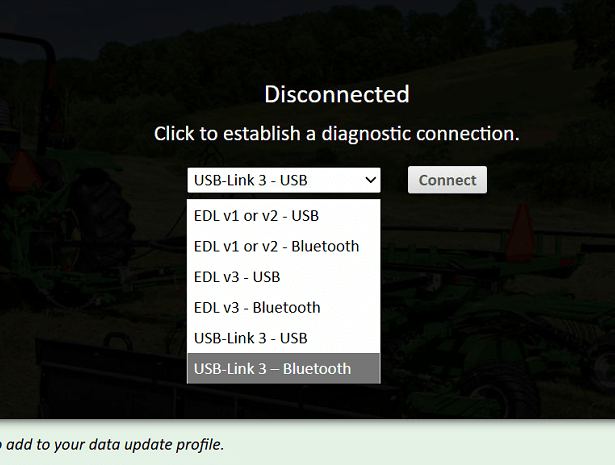
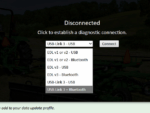
- Connect the Nexiq device to the machinery using the appropriate method (USB or Bluetooth).
- Launch the Service Advisor software and navigate to the connectivity settings.
- Select the connectivity option that corresponds to the Nexiq USB Link 3.
- Verify the connection to ensure proper communication between the software and the device.
Troubleshooting Common Installation Issues
During the installation and setup process, various issues may arise. Common problems and their solutions include:
- Installation freezes or fails: Check the system requirements and ensure all prerequisite software is installed.
- Connectivity issues with Nexiq USB Link 3: Confirm that the device is powered on and properly connected to the machine.
- Software does not launch: Verify that the installation completed successfully and that the latest updates are applied.


 AGCO
AGCO BENDIX
 BOBCAT
 CLAAS
CLAAS CNH
CNH DAF
DAF DETROIT
 FREIGHTLINER
 HINO
HINO HITACHI
 ISUZU
ISUZU JCB
JCB JOHN DEERE
 JPROZZ
 MAGIC TUNER
 MAN
MAN Navistar
 NEXIQ
NEXIQ PACCAR
 PERKINS
 PF DIAGNOSE
 PSI POWERLINK
 RENAULT
 SCANIA
 THERMO KING
 UD NISSAN
 WABCO
WABCO ZF TESTMAN
 BELL
BELL BENDIX
 BOBCAT
 CARRIE
 DAF
DAF DEUTZ
DEUTZ EATON
EATON FUSO
FUSO MACK
MACK All Engines (2017 Emissions)








 Detroit
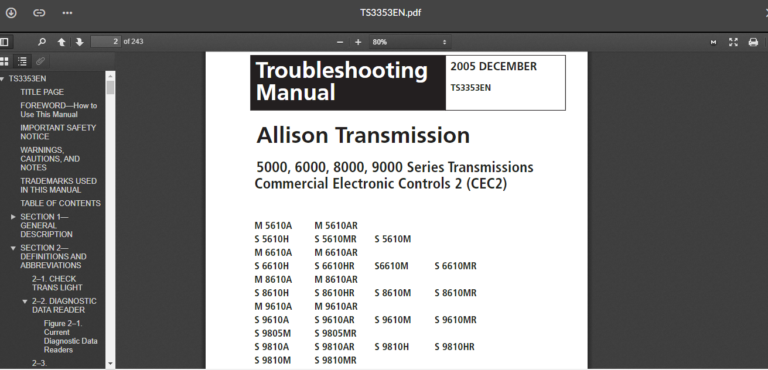
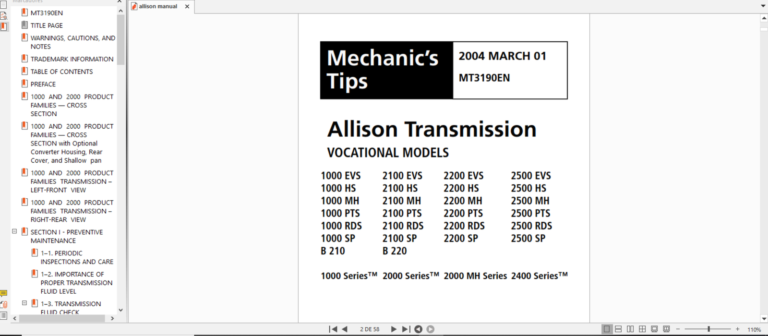
 ALLISON
 CAT
CAT
 Cumminz
 ISB CM850 (2003-06)
 VOLVO
VOLVO
 PACCAR
 Eaton
Eaton




Reviews
Clear filtersThere are no reviews yet.