


 AGCO
AGCO ALLISON
 BENDIX
 BOBCAT
 CAT
CAT CLAAS
CLAAS CNH
CNH DAF
DAF DETROIT
 EATON
EATON FREIGHTLINER
 HINO
HINO HITACHI
 ISUZU
ISUZU JCB
JCB JOHN DEERE
 JPROZZ
 MAGIC TUNER
 MAN
MAN Navistar
 NEXIQ
NEXIQ PACCAR
 PERKINS
 PF DIAGNOSE
 PSI POWERLINK
 RENAULT
 SCANIA
 THERMO KING
 UD NISSAN
 VOLVO
VOLVO WABCO
WABCO ZF TESTMAN
 BELL
BELL BENDIX
 BOBCAT
 CARRIE
 DAF
DAF DETROIT
 DEUTZ
DEUTZ EATON
EATON FUSO
FUSO MACK
MACK
 Cumminz
 ISB4.5 CM2150
 All Engines (2017 Emissions)
 PACCAR
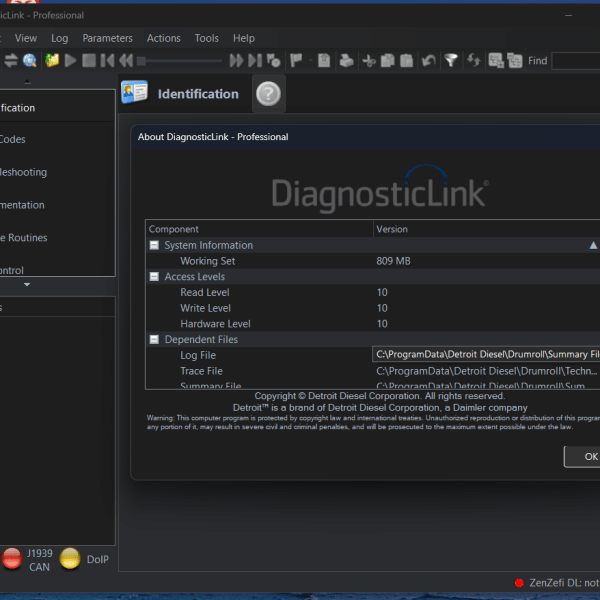
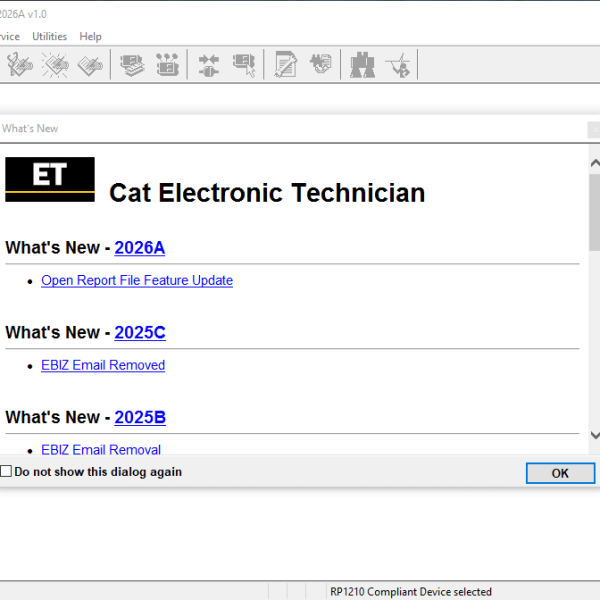
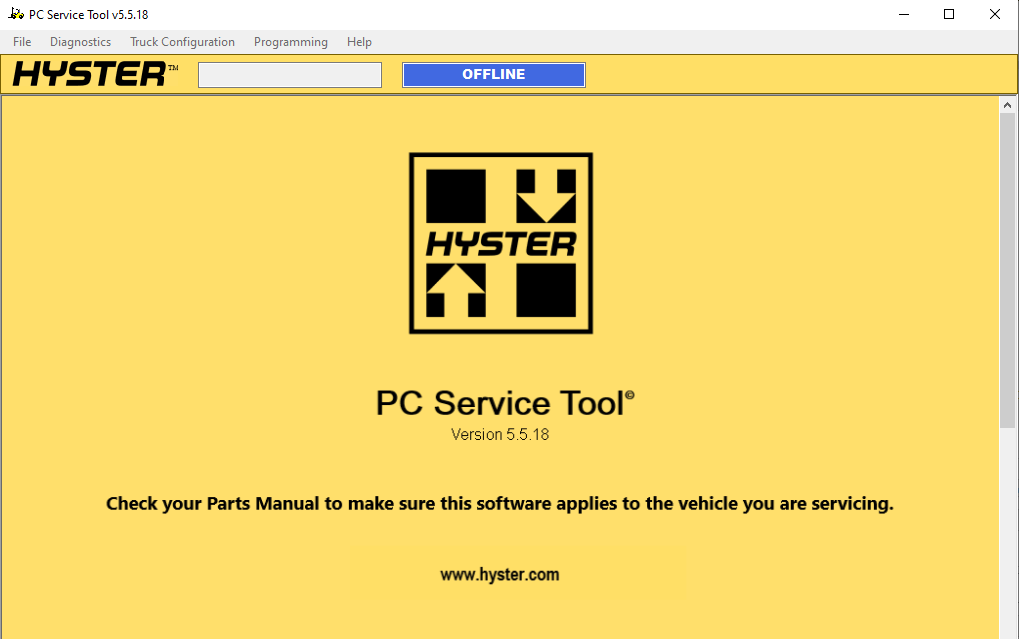


HYSTER 5.5 Diagnostic Software: Key Features and Benefits
HYSTER 5.5 Diagnostic Software is a specialized tool designed for diagnosing and maintaining HYSTER trucks and heavy machinery. It provides essential functionalities, including real-time fault monitoring and comprehensive data visualization. Installation is straightforward and supported remotely via TeamViewer. The software helps technicians efficiently troubleshoot issues and enhance the performance of their equipment. It is critical for effective fleet management and operational safety.
Features and Functionalities of the Diagnostic Software
The diagnostic software offers a range of features designed to enhance the efficiency of maintenance operations. These functionalities enable technicians to monitor, analyze, and manage equipment effectively.
Real-Time Fault Monitoring and Alerts
One of the standout features is the real-time fault monitoring system. This function enables immediate tracking of any malfunctions, providing alerts to technicians as issues arise. Quick identification of problems can lead to timely repairs and reduced downtime.
Custom and Diagnostic Data Monitors
The software includes powerful monitoring capabilities for both custom and diagnostic data. Users can tailor the data being monitored to meet specific needs, ensuring comprehensive oversight of equipment performance.
Custom Data Monitor Settings
Technicians can easily customize settings for the data monitor, adapting it to various operational scenarios. This flexibility supports more effective diagnostics.
Diagnostic Data Visualization
Visual representations of diagnostic data allow for easier interpretation, aiding in quicker decision-making during maintenance tasks.
Truck Information and Impact Event Analysis
Understanding truck status is vital for maintaining equipment. The software provides essential information/screens that contribute to effective management.
Truck Information Screen Overview
This feature displays critical truck statistics that inform maintenance decisions and operational efficiency.
Impact Events Tracking
Tracking impact events helps prevent potential damage, ensuring that trucks remain in optimal condition.
Communication and Data Bus Tools
The diagnostic software also includes various communication tools that streamline data sharing between systems.
Databus Viewer Capabilities
This tool allows users to view and analyze data bus communications, which is crucial for troubleshooting.
Strip Chart and Recording Functions
Real-time graphing of data and the ability to record sessions enhance the analytical capabilities of the software.
Programming and Security Features
Enhanced programming options ensure that each truck can be tailored to operational requirements, backed by robust security measures.
Truck Setup and Programming Options
Users can easily program various functions specific to each truck, optimizing their performance.
Password and Access Management
Effective management of user access helps protect sensitive data and ensures that only authorized personnel can make changes.
Multilingual Support and Online Help
To accommodate a diverse user base, the software supports multiple languages, making it more accessible for global operations. Online help is readily available to assist with software navigation and troubleshooting.
Installation Requirements and Setup Process
This section outlines the essential requirements and steps for setting up the diagnostic software effectively.
System and Software Prerequisites
To ensure optimal performance, certain system specifications must be met. The software is compatible with the following operating systems:
- Windows 7
- Windows 8.1
- Windows 10
Additionally, an updated version of Internet Explorer (version 6 or higher) and a PDF reader, such as Adobe Acrobat Reader (version 6 or higher), are required for smooth operation.
Adapter Compatibility and USB Interface
Connecting the software to the truck requires a compatible adapter. Selecting the correct adapter is crucial for proper data communication.
Approved Adapters Supporting RP1210A
The following adapters are recognized for compatibility:
- ACTIA IME GmbH Core XS (1-8 AUTOS)
- Dearborn Group DPA 5 (Single and Multi Application, USB)
- PEAK-System PCAN Adapter
- Cummins Inc. NEMESIS Mock RP1210 Driver
Connecting the Adapter to the Truck
After obtaining a compatible adapter, the next step is to connect it to the truck, ensuring a secure connection to facilitate data transfer.
Installation Steps Including Remote Assistance
Setting up the software requires following specific steps to ensure proper installation.
TeamViewer-Based Installation Support
Remote assistance is available via TeamViewer, allowing for troubleshooting during the installation process.
Using the Diagnostic Software for Truck Maintenance
This section delves into the application of diagnostic software in maintaining trucks, highlighting its vital role in efficient operations.
Running Diagnostics and Interpreting Data
Utilizing the software effectively requires technicians to perform accurate diagnostics. This involves a thorough analysis of data collected from various systems within the truck.
Accessing Fault Records and Reports
Fault records can be accessed easily, providing a clear view of existing issues. These records are crucial for understanding the vehicle’s history of malfunctions and assist in planning further actions.
Utilizing Diagnostic Data for Repairs
The gathered diagnostic data helps technicians make informed decisions when it comes to repairs. By interpreting this information correctly, they can identify root causes and implement fixes more efficiently.
Programming Truck Functions and Calibration
Programming specific functions within the truck is necessary for optimizing performance. The software empowers users to customize settings according to operational needs.
Calibration Data Retrieval
Retrieving calibration data facilitates necessary adjustments to ensure peak functionality. This data plays a key role in maintaining equipment accuracy and reliability.
Programming Procedures in the Application
Programming procedures are streamlined through the software interface, allowing for quick adjustments. This functionality supports better alignment with performance expectations and compliance requirements.



Reviews
Clear filtersThere are no reviews yet.