


 AGCO
AGCO ALLISON
 BENDIX
 BOBCAT
 CAT
CAT CLAAS
CLAAS CNH
CNH DAF
DAF DETROIT
 EATON
EATON FREIGHTLINER
 HINO
HINO HITACHI
 ISUZU
ISUZU JCB
JCB JOHN DEERE
 JPROZZ
 MAGIC TUNER
 MAN
MAN Navistar
 NEXIQ
NEXIQ PACCAR
 PERKINS
 PF DIAGNOSE
 PSI POWERLINK
 RENAULT
 SCANIA
 THERMO KING
 UD NISSAN
 VOLVO
VOLVO WABCO
WABCO ZF TESTMAN
 BELL
BELL BENDIX
 BOBCAT
 CARRIE
 DAF
DAF DETROIT
 DEUTZ
DEUTZ EATON
EATON FUSO
FUSO MACK
MACK
 Cumminz
 ISB4.5 CM2150
 All Engines (2017 Emissions)
 PACCAR
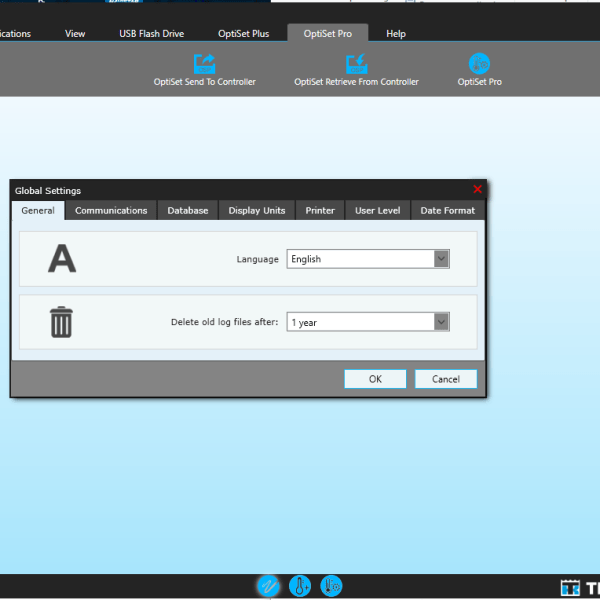
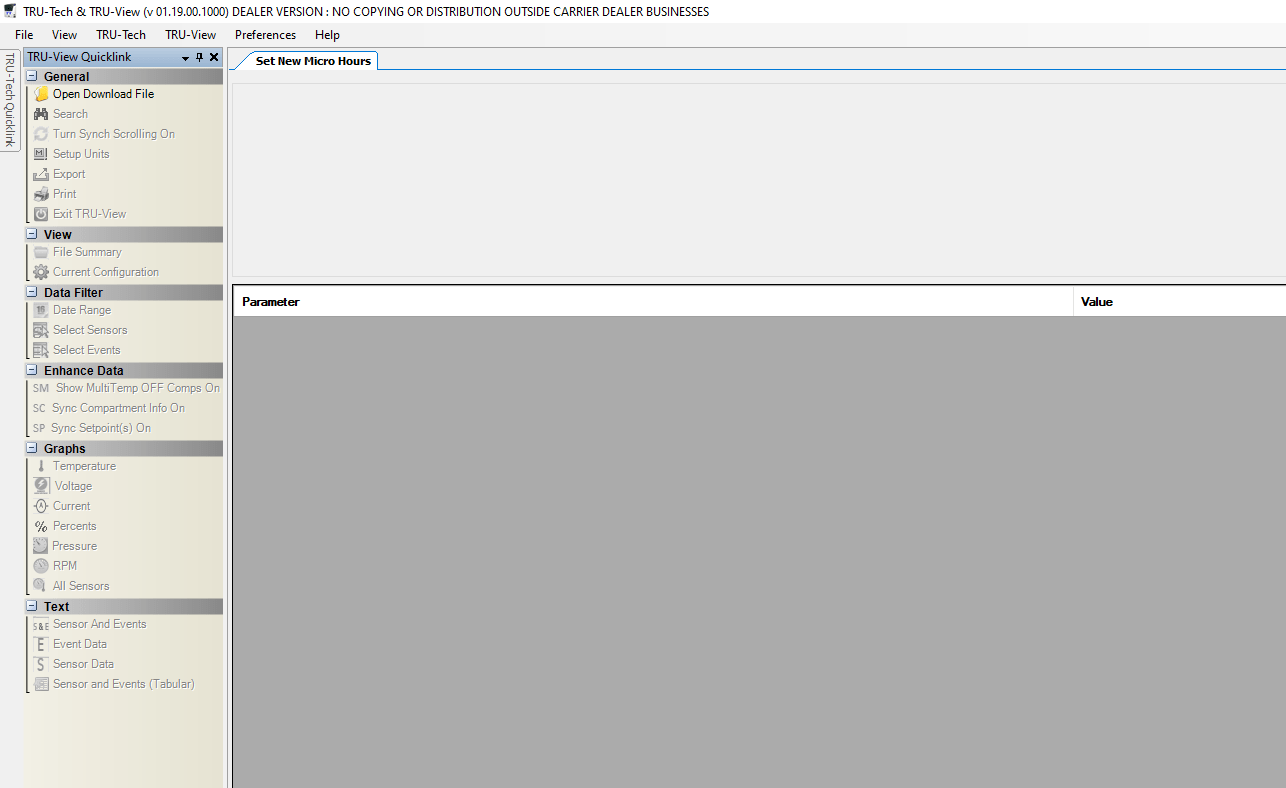


CARRIER TRU-TECH TRU-VIEW 01.19: Optimize Your Refrigeration Systems
CARRIER TRU-TECH and TRU-VIEW 01.19 are diagnostic software solutions designed for refrigeration systems in heavy machinery and trucks. These programs enhance operational efficiency and optimize the performance of refrigerated transportation. The software supports various operating systems and includes features like reprogramming functions and detailed diagnostic capabilities. Installation can be facilitated through TeamViewer, ensuring a smooth setup process for users.
Diagnostic Capabilities of TRU Tech and TRU View
The software excels in identifying faults and issues within refrigeration systems. By analyzing data from controllers, it provides in-depth diagnostics that enhance maintenance practices. This proactive approach allows for quick resolution of potential problems, ensuring the system operates at peak efficiency.
Compatibility with Operating Systems and Devices
Designed for versatility, the software is compatible with various operating systems, including:
- Windows 7 (32 and 64-bit)
- Windows 10 (32 and 64-bit)
- Windows 11 (64-bit)
This broad compatibility makes installation seamless across different user environments.
Multilanguage and User Accessibility Options
Available in multiple languages, the software enhances accessibility for users globally. Supported languages include:
- English
- Spanish
- French
- Russian
This ensures a user-friendly experience regardless of the linguistic background.
Reprogramming Functions and Performance Adjustments
The software not only diagnoses but also facilitates reprogramming of operational parameters. Users can customize settings to suit specific transport requirements, optimizing overall performance and extending the lifespan of refrigeration units.
System Requirements and File Management
Before proceeding with the installation, ensure the hardware meets the following requirements:
- Windows 7 (32 and 64 bits), Windows 10 (32 and 64 bits), or Windows 11 (64 bits).
- Minimum of 670 MB of available disk space.
- RS232 port for device connectivity.
Proper file management, including downloading and unzipping the installation files, is crucial for a smooth setup.
Step-by-Step Installation Guide
Follow these steps for installation:
- Download the software files to a local hard drive.
- Use a decompression tool to access the files.
- Run the installer and follow the on-screen prompts.
Use of TeamViewer for Remote Installation Support
For users requiring assistance, TeamViewer enables trained technicians to provide remote support. This allows for effective troubleshooting and guidance throughout the installation process.
Supported Equipment and System Integration
This section focuses on the compatibility and integration features of the diagnostic software with various refrigeration units and systems.
Supported Refrigeration Unit Models: Vector, Supra®, Ultra/Ultima
The software is designed to work seamlessly with a variety of refrigeration unit models, including:
- Vector models
- Supra® series
- Ultra/Ultima units
Such compatibility ensures comprehensive diagnostics and performance tuning specific to each model type.
RS232 Connector and Device Communication
The TRU-Tech and TRU-View software utilizes an RS232 connector to facilitate effective communication with refrigeration units. This connection allows for accurate data transfer and precise diagnostics, optimizing the interactions between devices.
Integration with Truck and Trailer Refrigeration Systems
Compatibility extends to both truck and trailer refrigeration systems. This integration is essential for maintaining the required temperature and efficiency of transported goods, enabling better control and reliability in logistics.
Compatibility with Heavy Trucks and Fleet Management
The software is fully compatible with heavy trucks, making it an invaluable asset for fleet management. The integration of diagnostic tools helps operators maintain peak performance across their fleet, reducing downtime and enhancing operational efficiency.
Maintaining software updates and performing regular maintenance are critical components for ensuring optimal performance and reliability of diagnostic tools.





Reviews
Clear filtersThere are no reviews yet.